Questions
Sydney Taxi Booking FAQs
How booking, fares, payment and vehicle requests work — answered against what the booking form and the policy pages actually do.
- Booking and changes
- Fares and payment
- Vehicles and airport trips
FAQs
Booking
- How do I book a taxi?
Enter your pickup and destination in the booking form, choose your timing, passengers, luggage and vehicle, add your contact details, choose how you will pay, and send the request. Your estimated fare is shown on the confirmation page.
If you would rather talk to someone, call 1300 046 956 and we can take the booking over the phone.
- Do you operate the taxis yourselves?
No. Northern Silver Taxi Sydney is a booking and dispatch service. You send the request here or by phone, we arrange a licensed driver, and the driver provides the ride and operates the vehicle.
We hold a Point to Point Transport (NSW) Booking Service Provider licence.
- Are you Silver Service?
Northern Silver Taxi Sydney is an independent booking brand. It is not Silver Service and is not affiliated with, endorsed by, or part of Silver Service or any other taxi network.
We are a booking and dispatch service: you send your request here or by phone, and we arrange a licensed driver for the trip.
- How far ahead can I book?
Choose Book for Later and you can set a pickup date and time up to 90 days ahead. Times are handled in Australia/Sydney time.
- Is my booking confirmed as soon as I submit it?
Submitting sends a booking request. Booking requests can be sent anytime, but dispatch confirmation depends on availability. You will receive a booking reference, and taxi details and an estimated arrival time follow once the job is allocated.
- Can I change or cancel a booking?
You can cancel an eligible booking from the booking status screen until the ride is marked completed. To change the details of a booking that has already been sent, call us.
Full detail is on the cancellation policy and refund policy pages.
- Can I book a return trip?
Yes. A booking can include a return leg with its own date, time, pickup and destination. It is dispatched as a linked second job, so both legs come from the one request.
- Can I add more than one stop?
Yes. You can add destinations to a single booking, up to five points in total including the pickup. The route calculation and the fare estimate cover every leg.

FAQs
Fares and payment
- How is my fare worked out?
The fare is built from the route distance, a booking fee, and a multiplier for the vehicle you chose, then adjusted for the distance band the trip falls into. A minimum fare is applied where the calculated fare is lower, and night pricing is added when the pickup time falls in the evening window.
Airport trips use their own minimum fares, and an airport pickup toll is added when the airport is where you are collected.
- Why is the fare shown as a range?
Routes, traffic and conditions vary, so the confirmation page shows an estimated range rather than a single figure. The range is centred on the calculated fare and rounded outward.
If you pay online by card, the exact amount including the website card surcharge is shown on the secure payment page before anything is authorised.
- What is not included in the estimate?
The estimate covers the route fare, the applicable minimum fare, the airport pickup toll where it applies, and eligible extras such as a baby seat and extra passengers.
It does not cover road tolls, airport or car park access charges, waiting time, or cleaning fees. Those may be charged by the driver or operator.
- How can I pay?
Payment is a dropdown on the booking form, set to Pay to driver by default. There are three options: online card, paying the driver directly, or settling with a Cabcharge card or account. Online card payment is offered when the whole trip falls within the next six days.
- When is my card actually charged?
With an online card booking the amount is authorised up front, not captured. The payment is only captured once the ride is marked completed. If the booking is rejected or cancelled, the uncaptured authorisation is released.
Full detail is on the payment policy and refund policy pages.
FAQs
Vehicles and passengers
- How many passengers and bags can I bring?
The form takes a passenger count from 1 to 11 and a luggage count from 0 to 7. Vehicles that cannot carry the number of passengers you entered are shown as unavailable, so the options you can pick always fit the group.
A sedan or premium takes up to 4 passengers, a maxi up to 7, and the 11 seater covers larger parties.
- Can I request a wheelchair accessible taxi?
Yes. Wheelchair accessible taxi is one of the vehicle options, and there is a shortcut for it on the home page. Availability is confirmed by dispatch after the request is sent, so booking further ahead helps.
Add any access details at the pickup or drop-off in the notes field.
- Can I add a baby seat?
Yes. Baby seat is a switch on the booking form, and a surcharge is added to the fare estimate when it is selected. Add the age of the child in the notes so the right restraint can be arranged.

FAQs
Airports
- Which Sydney Airport terminals do you cover?
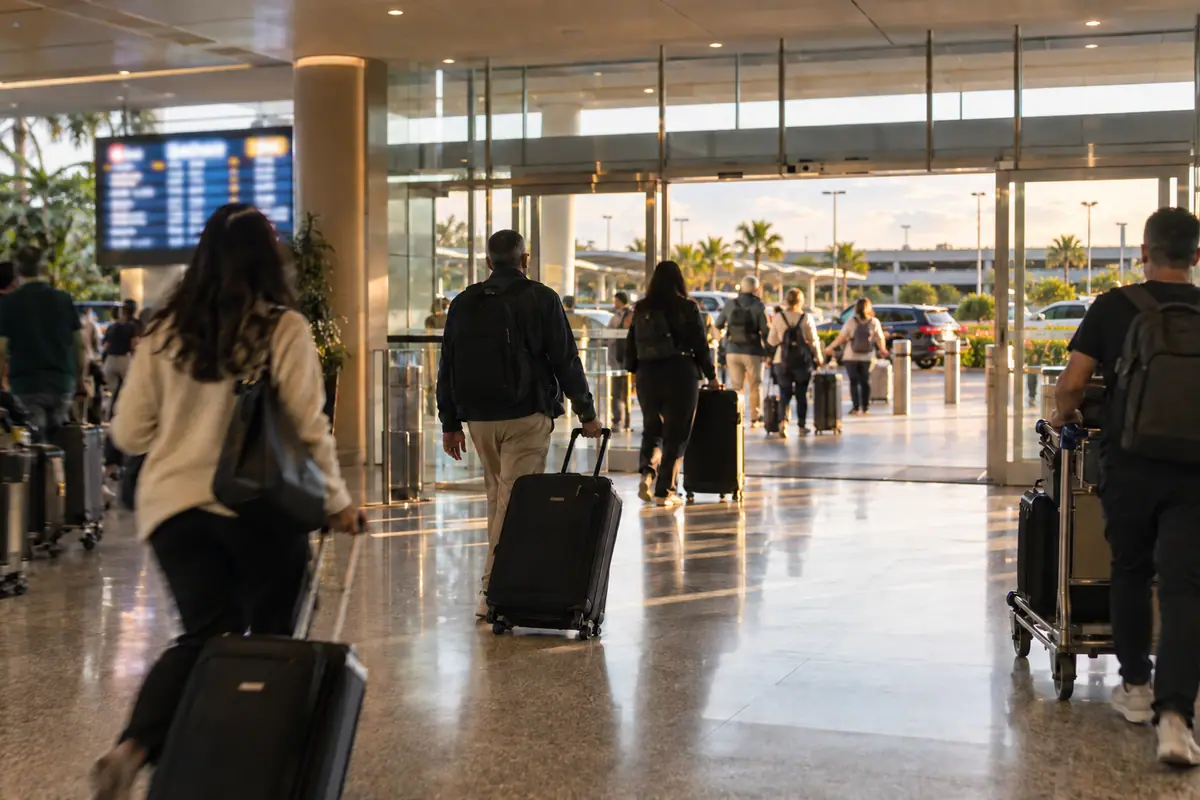
T1 International on Departure Plaza, T2 Domestic on Ross Smith Avenue, and T3 Domestic on Qantas Drive. Choosing the terminal in the airport panel fills in the address for you.
- Do you cover Western Sydney Airport?
Yes. Choose Western Sydney Airport in the airport panel and the terminal at 40 Nancy Drive, Luddenham fills in for you. It has one terminal for domestic and international flights, and passenger flights start on 25 October 2026.
Western Sydney Airport trips use the same airport minimum fares and pickup toll as Sydney Airport.
- Should I add my flight number?
Yes, when the airport is your pickup. The flight number and any note about where you will wait travel with the job to dispatch and the driver.
Allow time to clear the aircraft, immigration and baggage when setting your pickup time.
Ready to book?
Enter your trip to see a fare estimate, then send the request or call us.
When do you need the taxi?
Pre-calculated fare estimate
Fare applies to the selected route and options. Changes may need a new fare.
Enter pickup and destination to calculate your route.
Before sending
- Add a pickup location.
- Add a destination.
- Enter the passenger name.
- Enter a contact number.
- Accept the collection statement, privacy notice, fare policy, and terms.
Fare estimate shown at final review.

Still have a question?
Call and we can answer it directly, or send your booking request and add a note with anything the driver should know.